---
title: World Languages Introductions
description: This comic will introduce students to 1. Basic greetings, 2. How to use Pixton, 3. How to use the Input Method Editor (keyboard) of the target language.
image: https://ideas.pixton.com/hubfs/world_languages_introductions-001-1.png
---

**Subject: World Languages**

**Lesson Length: 30 mins - 1 hour**

**Topic: Greetings in a Target Language**

**Grade Level: 1, 10, 11, 12, 2, 3, 4, 5, 6, 7, 8, 9**

**Standards / Framework: **

- [ACTFL: COMMUNICATION: INTERPERSONAL COMMUNICATION](https://www.actfl.org/sites/default/files/publications/standards/World-ReadinessStandardsforLearningLanguages.pdf)

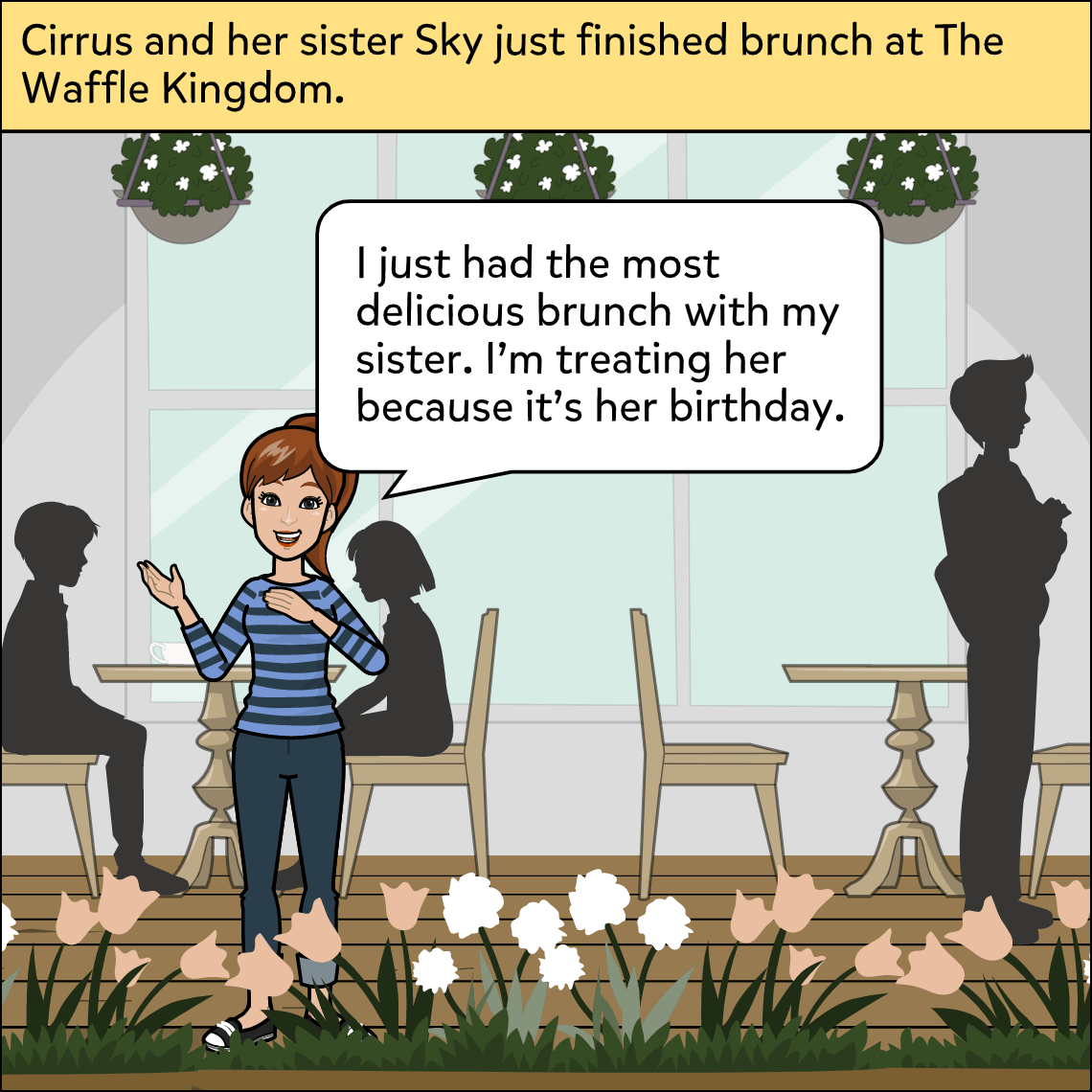
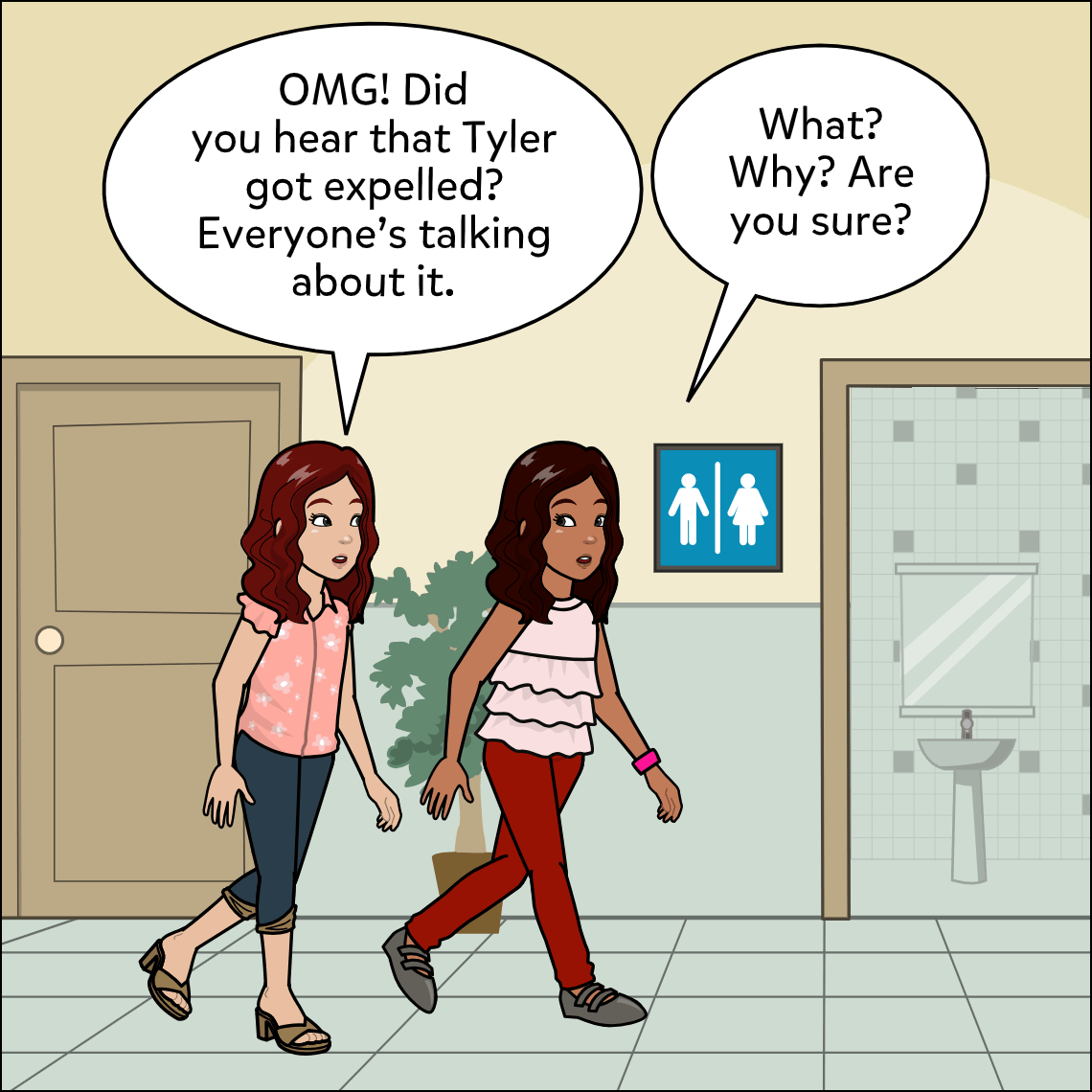
**Brief Description:**  This comic will introduce students to basic greetings and how to use the Input Method Editor (keyboard) of the target language.

**Know Before You Start:** This comic uses a “4th wall breaking” technique to keep the students immersed in the target language while delivering instructions.

**Hook:**

- Ask students to describe some of the things they might say to someone they're meeting for the first time. 

**Activity:**

- Give students the sample comic and have them reply with proper greetings.
- Have students create a comic in which they show two or more people introducing themselves and responding properly. 

**Closure:**

- Ask students to share with a partner for feedback before submitting.
- Have students show their finished comics and read them aloud.
- Create a gallery walk, or have students present to the class.

**Differentiation:**

- Allow students to use speech-to-text feature.
- Allow students to use the voiceover feature to read their comics aloud.
- Allow students to work in pairs or groups as needed.
- Provide a word bank to students.

**Resources:**

- Comic to print or display: [Comic](https://share.pixton.com/qevlxth).
- A printout of the IME (Input Method Editor, or keyboard) of the target language, if desired.
- A word bank to print or display, if desired.

**Suggested Content:**

- [![](https://img.pixton.com/content-pack/2078531377204125696/thumbnail.png) News Station ](https://content.pixton.com/news-station)
- [![](https://img.pixton.com/content-pack/2078531138872651776/thumbnail.png) High School ](https://content.pixton.com/high-school)
- [![](https://img.pixton.com/content-pack/2078531110531739648/thumbnail.png) Middle School ](https://content.pixton.com/middle-school)
- [![](https://img.pixton.com/content-pack/1723699725217173504/thumbnail.png) Office ](https://content.pixton.com/office)
- [![](https://img.pixton.com/content-pack/2000163438120759296/thumbnail.png) Mall ](https://content.pixton.com/mall)
- [![](https://img.pixton.com/content-pack/2040150577165447168/thumbnail.png) Amusement Park ](https://content.pixton.com/amusement-park)

Assign Activity

## Related Ideas

[![](https://ideas.pixton.com/hubfs/thinking_critically-001-2.png)](https://ideas.pixton.com/thinking-critically)

### [Thinking Critically](https://ideas.pixton.com/thinking-critically)

Students will represent how critical thinking skills can be used in and out of school.

[![](https://ideas.pixton.com/hubfs/making_smart_choices-001.png)](https://ideas.pixton.com/making-smart-choices)

### [Making Smart Choices](https://ideas.pixton.com/making-smart-choices)

Students will use reflection questions to learn how to make good decisions at home and in school.

[![](https://ideas.pixton.com/hubfs/dare_to_compare-001.png)](https://ideas.pixton.com/dare-to-compare)

### [Dare to Compare: Comparing Fractions](https://ideas.pixton.com/dare-to-compare)

In this lesson, students will work in pairs to explain how to create common denominators and compare fractions. Students will show the calculations used to create common denominators on a separate worksheet.